12-point diagnostic

Project Manager Zone
Practical project tools for real working situations.
Free tools, practical guides, and downloads you can use on your own projects.
No sign-up required. Your entries stay in this browser.
Free tools and guides
Start with a specific project problem
The tools are there to help you work through project problems and provide insight to support your decisions.
Diagnostic, guides + Excel workbook
AI project delivery
Make readiness gaps, distinctive risks, governance questions, evidence and human accountability visible on AI-enabled projects.Explore AI project deliveryGuide + free Excel download
Managing project risks
Understand risk scoring, mitigation, contingency and residual risk, then use the free risk register on your own project.Learn how to manage risksGuide + free Excel workbook
Stakeholder management
Work out who matters to the project, what you need from them and how to keep the right people involved.Plan stakeholder engagementPractical guide
Communication planning
Decide who needs what information, why they need it and the simplest way to keep them informed.Build a comms planPractical guide
Building a project plan
Turn an unclear piece of work into deliverables, dependencies, owners, milestones and dates you can manage.Start a project planBeginner practitioner guide
Project closeout & handover
Understand what needs to be completed, transferred and recorded before a project can be closed with a clear final position.Learn how to close a project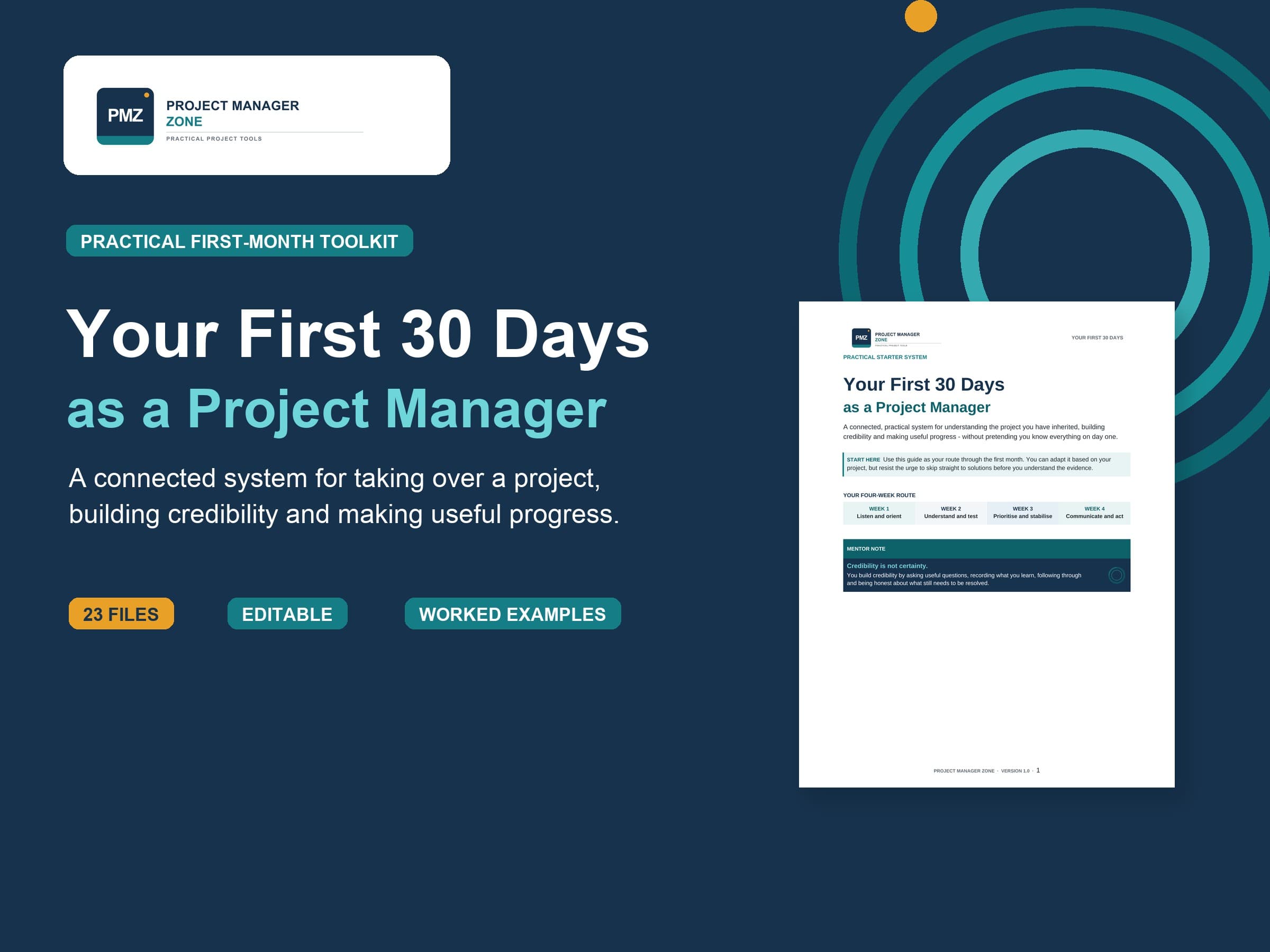
Complete project toolkit for your first 30 days
Your First 30 Days as a Project Manager
A practical set of tools and guidance to help you take over a project, understand the current position and work out what needs attention first.
- 23 buyer files
- Editable Word and Excel tools
- Google import-ready copies
- Five-file Project Cedar worked example
UK price including VAT£14.99
The PMZ approach
Practical help for managing real projects.
Clarify what you know
Clarify what you know about the project, what assumptions exist, and what questions still need to be answered.
Keep it as simple as possible
Use the areas that help you and your project. Change or drop other areas to suit your organisation’s requirements.
Keep control of your working files
Use portable files and browser-based tools without creating another account or uploading project information.
Experience behind the tools
Created from more than 25 years of project work.
Project Manager Zone is created by an experienced project manager with more than 25 years of experience working on projects of different sizes and types. The tools and guidance are based on practical project experience and are reviewed before publication.
A practical place to begin